Mobile phones come with monitoring tools like “Screen Time”. On Windows, the only default feature that offers some insight seems to be the “Timeline”. For more detailed statistics, you’ll need the software I’ll introduce next: Tai.
Usage guide: First, go to the project page to download Planshit/Tai: 👻 Track software usage duration and website browsing time on Windows. Click on “Releases” on the right side, then select “Assets” to download and unzip the file for use.
This software requires no installation; it’s portable. If you wish to move it or use it on another computer, simply copy the entire folder.
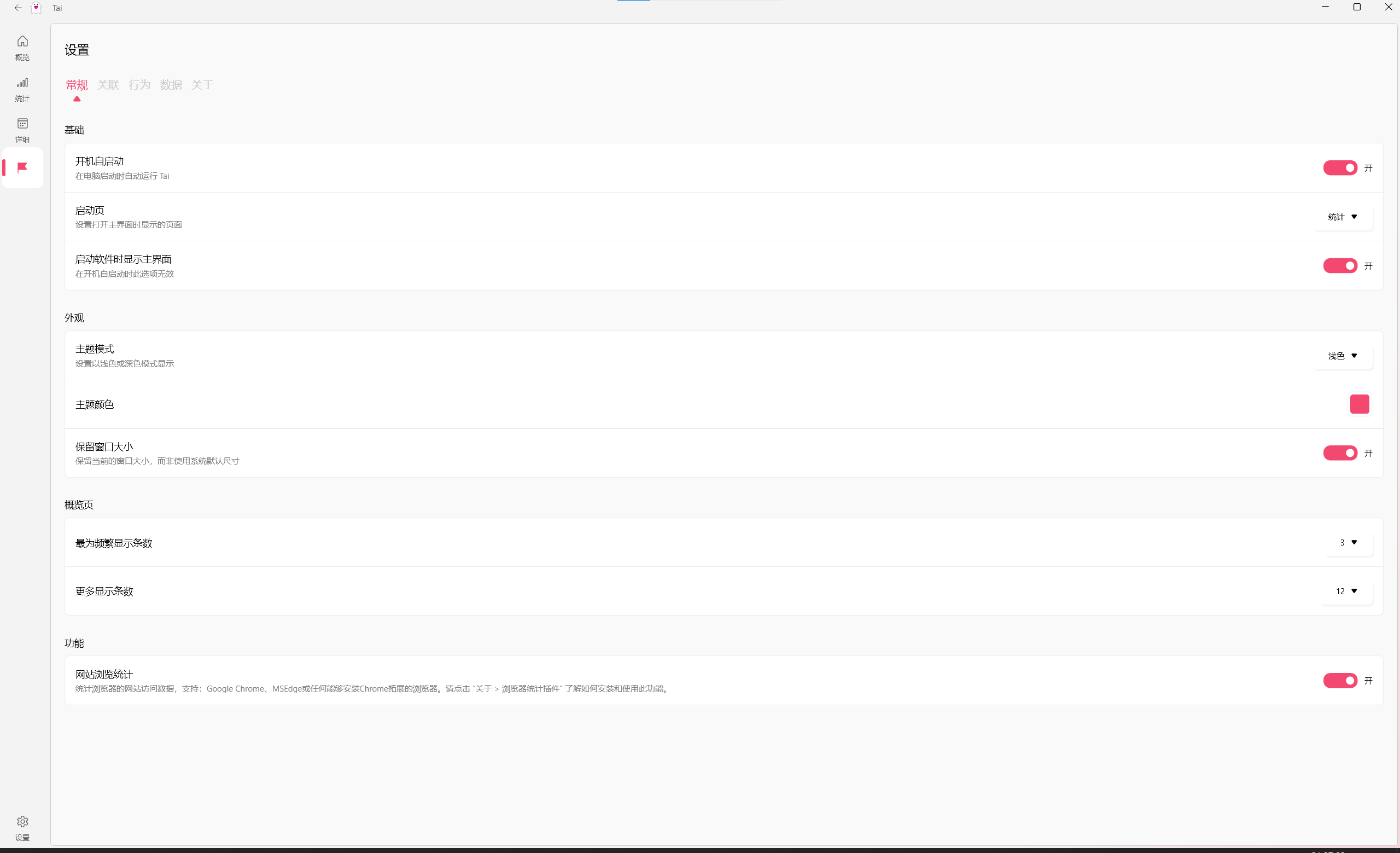
Opening the bottom section displays statistics regarding web pages browsed via your browser.
If you’re unable to access GitHub due to network restrictions, you can download the file via this link: Download File (ZIP)